In color
Add natural-looking color to black-and-white or faded photos.
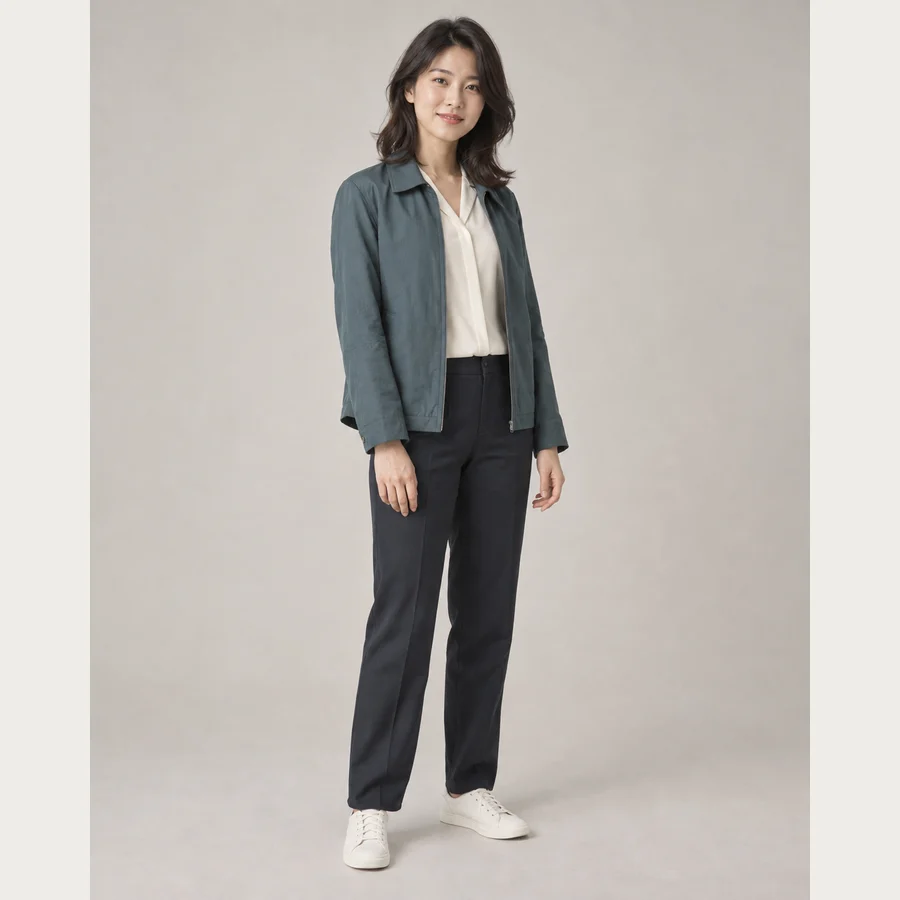
✳ ONE PHOTO. A WHOLE NEW YOU.
Fresh styles for you and your family.
New color for memories you love.
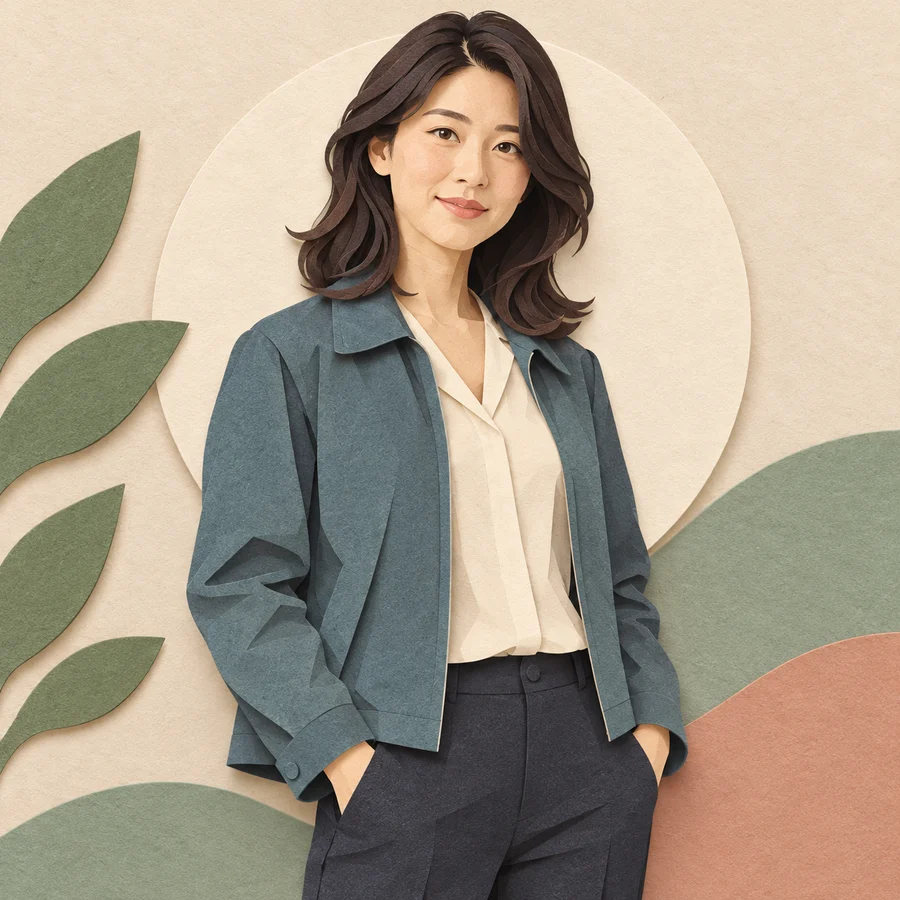
 PAPERCRAFT ORIGINAL
 01 / A LITTLE TRANSFORMATION
The warmth of paper. The joy of crayons.
A tiny figure with a familiar face.
Meet a new side of you.
01Papercraft
AI-created model photos and illustrative Pikmade style samples. Each style is paired with its own base photo. Actual results vary by photo and style.
02 / THE STYLE COLLECTION
You, your family, your partner, your pets.
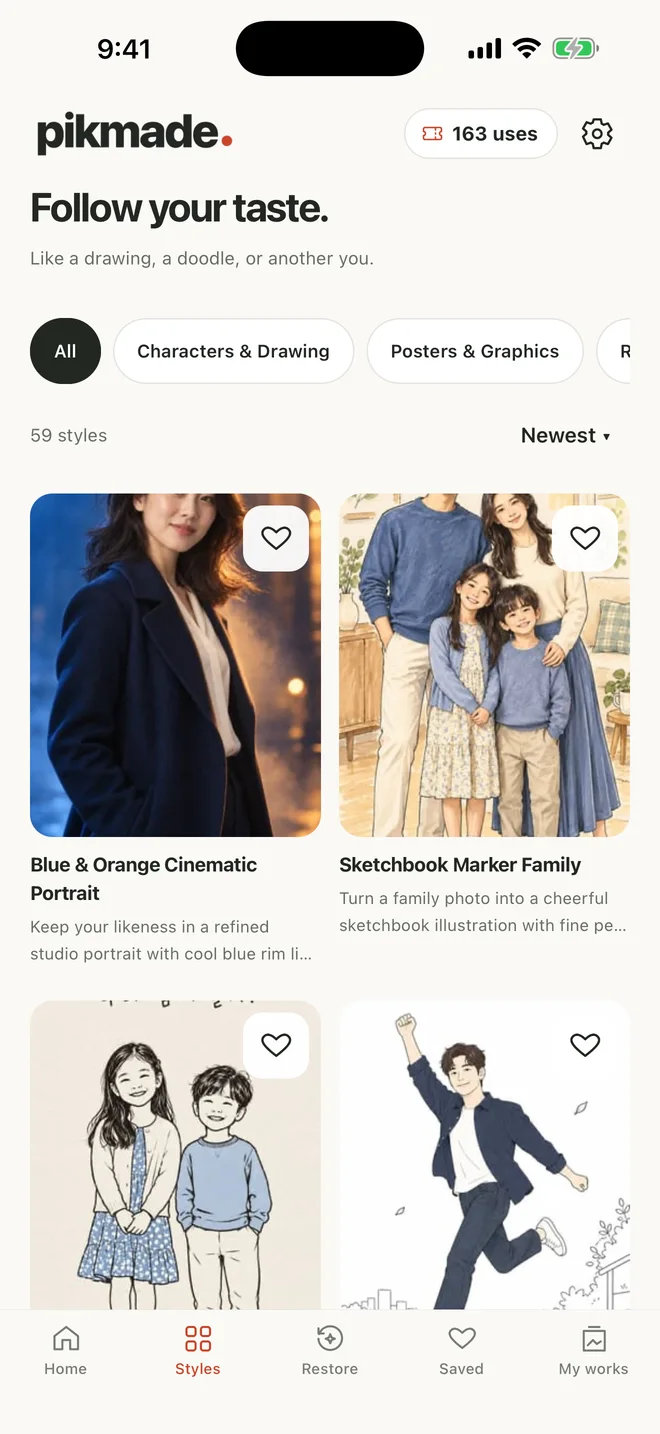
Tap a creation and take a closer look.
AI-created model photos and illustrative Pikmade style samples. Each style is paired with its own base photo. Actual results vary by photo and style.
03 / BRING YOUR MEMORIES CLOSER
Black-and-white portraits. Faded memories.
Bring them closer with a photo and a restoration mode.
Add natural-looking color to black-and-white or faded photos.
Reduce scratches, dust and blur while keeping the photo’s own colors.
Available in the Restore tab in the latest app version.
AI restoration results depend on the original. Small or badly damaged faces may change. Colors are estimated by AI and may differ from the original historical colors.

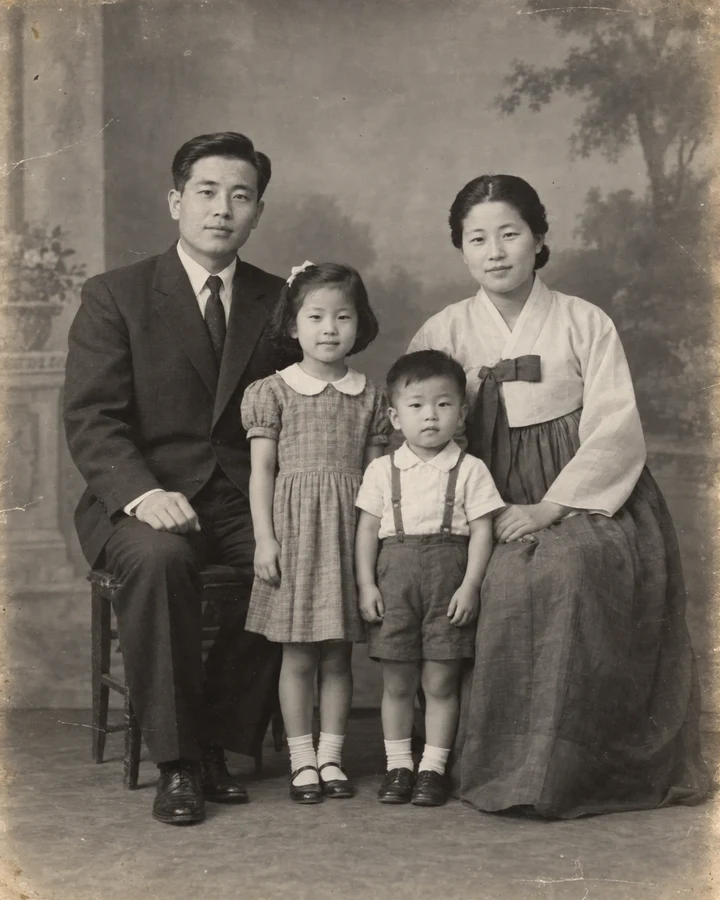
↔ Choose an example, then slide to compare before and after
Pikmade restoration examples. Each original is paired with its AI-restored result.
04 / THREE LITTLE STEPS
No long prompts. No complicated tools.
Just a style you love and one photo.
PIKMADE / MADE FOR YOUR EVERYDAY
05 / KEEP THE GOOD ONES
A new profile picture.
A surprise to share with a friend.
Your favorite looks, all in one place.
YOUR NEXT LOOK STARTS HERE
What will you look like today?
iOS · Android / Free download · In-app purchases
 Open on your phone
A FEW LITTLE DETAILS
You can make three free images per day, watching one ad for each image. Free results include a watermark. Styles and restoration share the same daily allowance. With passes, you can create without ads or watermarks.
Choose a bright photo with a clearly visible face. Each style may have its own photo tips, so check the guidance in the app. Only use photos you have the right to use.
In the latest app version, open Restore and choose In color or Clean up. When photographing a print, keep it flat, avoid glare and fill the frame with the photo. AI estimates colors and details, so results may differ from the original. Styles and restoration share the same daily free allowance and passes.
Save an image to your device or share it from the result screen. Sign in to revisit finished images in My works.
After you agree in the app, your selected photo is sent through Pikmade’s server to OpenAI to create your image. Account information such as your email is not sent with it. Read the Privacy Policy for details.


